Demand forecasting
Estimate sales or order demand by item, branch or channel using available sales and order history. Review how seasonality and promotions affect the forecast.

Use ERP data to forecast demand, stock and cash needs, improve reporting and automate defined workflows.

Use historical ERP data and AI-assisted forecasting to anticipate demand, spot stock risks and prepare for cash shortfalls.
Estimate sales or order demand by item, branch or channel using available sales and order history. Review how seasonality and promotions affect the forecast.
Combine demand forecasts, open purchase orders and supplier lead times to flag items at risk of shortages or excess stock.
Project expected receipts and payments using receivables ageing, supplier due dates and planned spending. Compare scenarios when collections or payments shift.
KDS starts with one planning decision, tests the forecast against past outcomes and agrees with your team how to review exceptions.

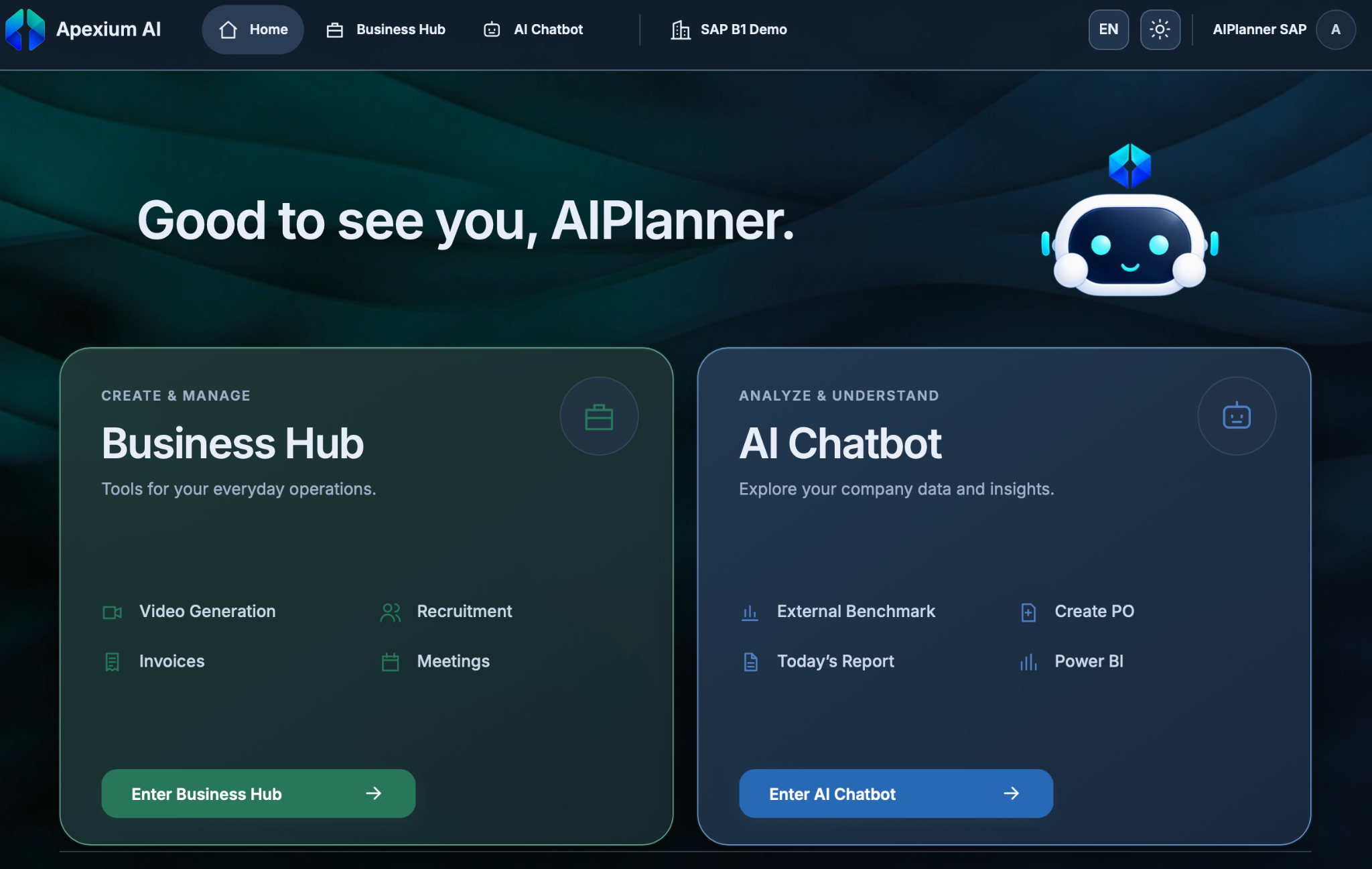
Use the Business Hub for everyday workflows and the AI Chatbot to ask questions about approved ERP and reporting data.
Start with one workflow, a defined data source and a clear reviewer. KDS can help scope the pilot around a question your team already asks.
Review overdue balances and prepare a collections summary for the team.
Identify slow-moving products and check which locations hold the stock.
Compare periods and investigate which customers or items contributed to a change.
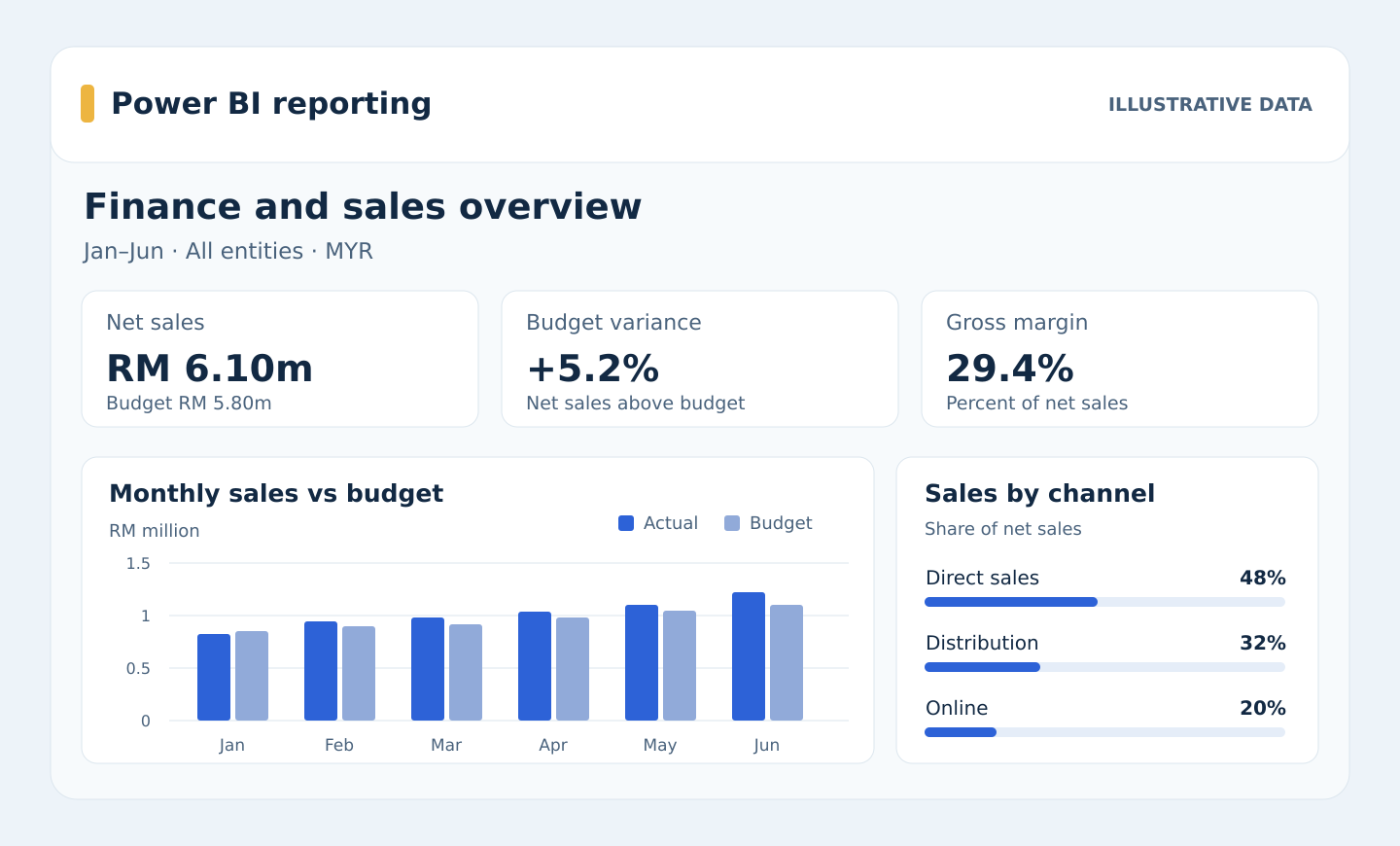
Agree on which reports finance and operations need. Connect the relevant ERP data, define the measures and validate them with the people who use the reports.
Map what moves between systems. Define where records are created, how to reconcile them and who handles errors.
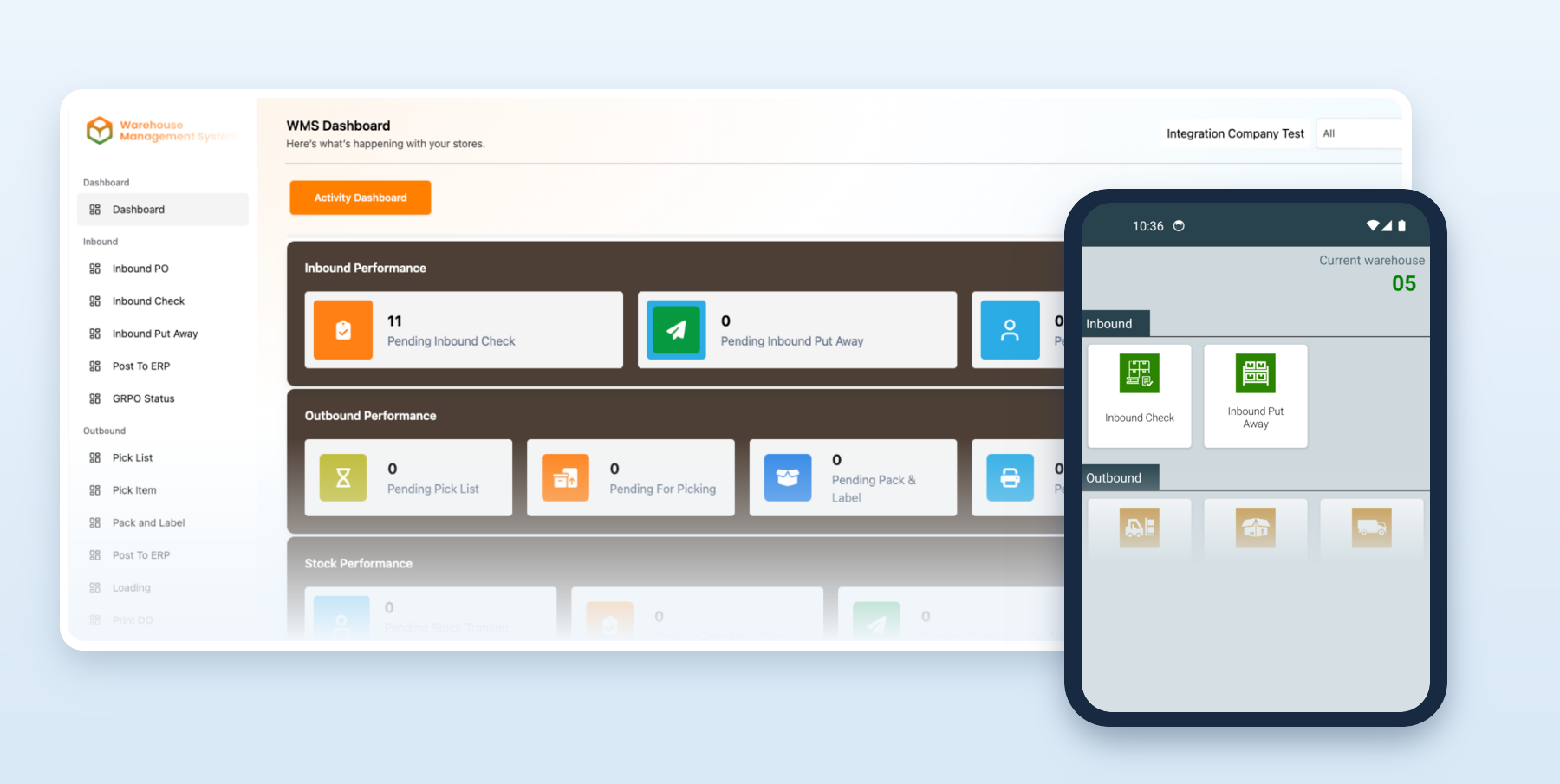
Review receiving, transfers, picking and stock counts. Identify where barcode scanning can reduce duplicate data entry.
Connect invoice data from your ERP to MyInvois. Submit individually or in batches, monitor validation status and review exceptions.
Bring SAP Business One general ledger data and trial balances from other systems into a consolidated view, with staging checks, intercompany eliminations and approval controls.

KDS helps businesses scope ERP-connected AI assistants, workflow automation and predictive analytics. Common starting points include management reporting, demand forecasting and inventory or cash flow planning.
Start with one business decision or recurring task, an approved data source and a person responsible for reviewing the results. KDS can help define the pilot and how to measure it.
Share your current system, the companies or sites in scope, and what you want to improve.